MODEL CONTEXT PROTOCOL
Collabraz MCP.
Your workspace. Part of the conversation.
Bring your websites, content and keyword research into a compatible AI assistant. Give your next idea a place to go.
FROM A QUESTION TO AN ACTION
A little less switching.
A lot more context.
Your assistant calls a Collabraz tool and brings the result back to the conversation.
Get website IDs, domains, languages and article counts from your workspace.
List my Collabraz websites and their article counts.
Your assistant receives the websites connected to this API key's workspace.
View tool request
{
  "jsonrpc": "2.0",
  "id": 1,
  "method": "tools/call",
  "params": {
    "name": "collabraz_list_websites",
    "arguments": {}
  }
}
CONNECTED TO THE WORK YOU ALREADY DO
The conversation moves.
Your work stays together.
Generated articles enter your Collabraz queue. Keep track of progress and continue editing in the workspace you already know.
Open Content Queue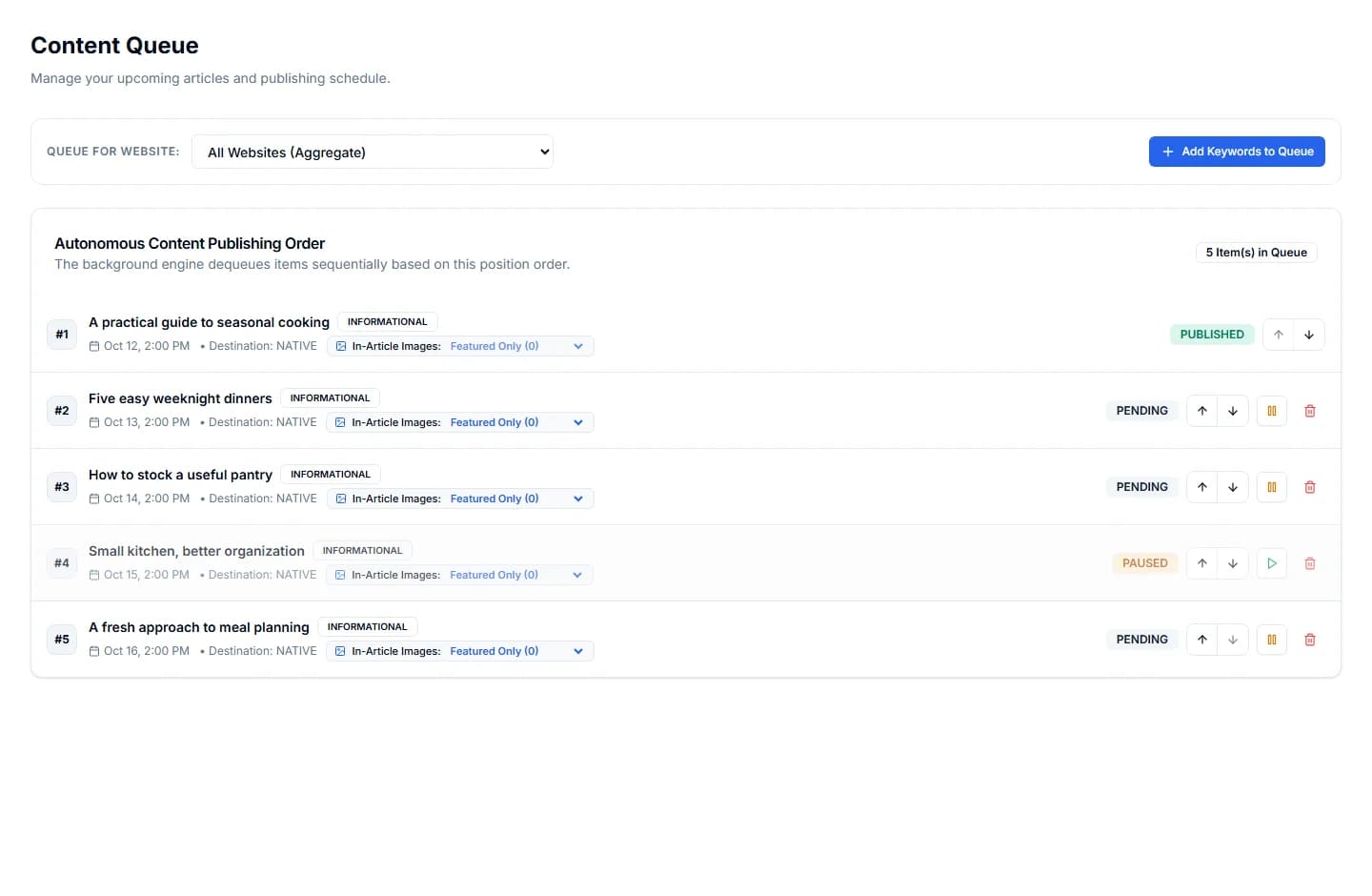
MAKE THE CONNECTION
Your key. Your workspace.
Use a paid workspace and an AI client that supports authenticated HTTP tool calls.
- 01
Create a workspace key
Open Developer API & MCP in Settings. Name the key for this connection and keep the generated value.
Manage API keys - 02
Add the server to your client
Use the server URL and a Bearer authorization header. Your client's configuration format may differ.
- 03
Start with your websites
Ask your assistant to list your Collabraz websites. Use the returned website ID for site-specific actions.
https://www.collabraz.com/api/mcp- Transport
- HTTP POST / JSON-RPC
- Authentication
- Bearer API key
- Protocol version
- 2024-11-05
Authorization: Bearer YOUR_API_KEYUse a client with custom Bearer-header support. The server does not currently offer OAuth or persistent SSE; direct compatibility with individual AI apps is not guaranteed.
BUILD SOMETHING OF YOUR OWN
Prefer to write the integration?
Explore the REST API, build a request and download the OpenAPI specification.
A FEW PRACTICAL DETAILS
Before you connect.
What can I do through MCP today?
Five tools are available: list websites, list articles, start article generation, suggest keywords and audit AI visibility. Generation enters your existing background workflow. There is no standalone scheduling, editing or deletion tool in the current MCP server.
Which AI clients can connect?
The endpoint accepts authenticated JSON-RPC POST requests. Your client must support this transport and Bearer headers. Client requirements vary; OAuth and a persistent SSE stream are not provided by this server. A client that requires them will need an adapter or further integration work.
Does this use my Collabraz allowance?
MCP access requires a paid workspace plan. Article generation checks your monthly article allowance, just like the REST API. Your AI client may have its own subscription or usage charges.
Where does the generated article go?
The generation tool creates a job and queue item for the selected website. Open Content Queue to follow progress and review the article in your workspace. The tool returns the job identifiers, not a completed article.
How do I disconnect an assistant?
Revoke its API key in Settings / Developer API & MCP. The revoked key can no longer authenticate REST or MCP requests. Use a separate key for each connection so you can revoke them independently.